In today’s digital world, your profile picture is often the first impression you make on social media, LinkedIn, dating apps, or professional networks. With the rise of artificial intelligence, tools like Chatpic have made it easier than ever to generate polished, professional, or creative AI-generated profile pictures without needing a photoshoot or expensive editing software.
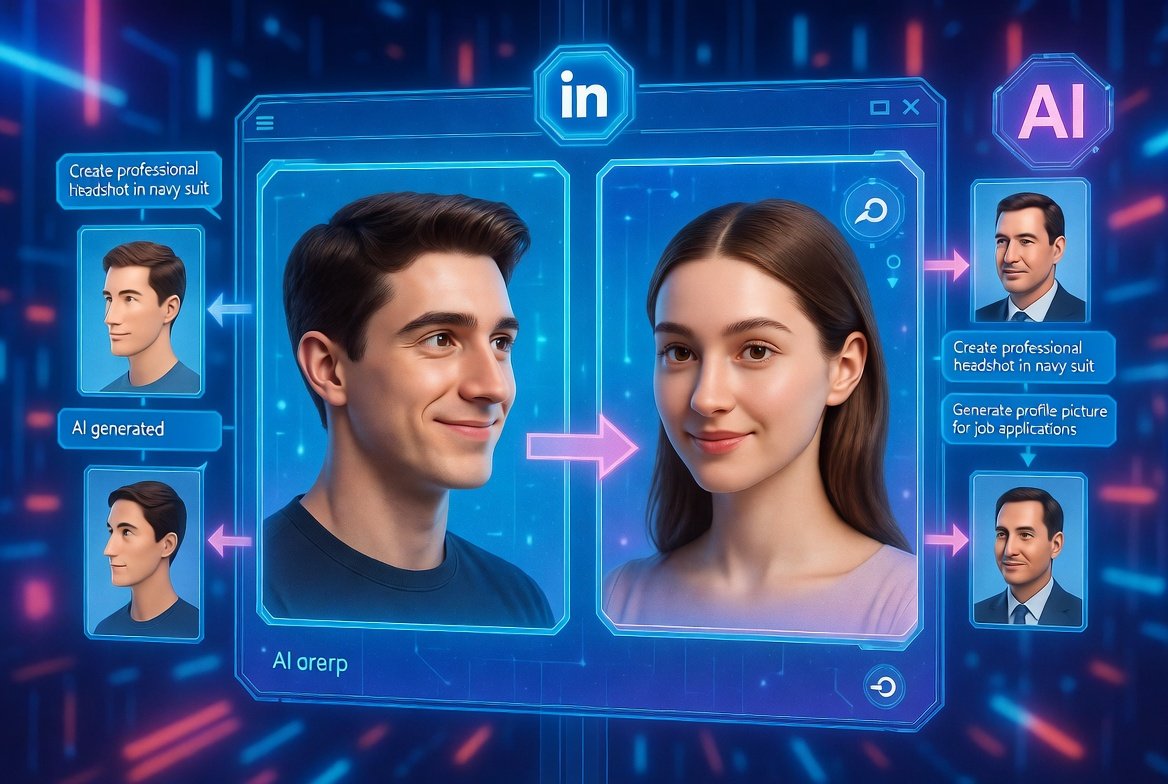
Chatpic stands out as a conversational AI image generator and editor. It allows users to upload photos and interact via chat prompts to create, enhance, or transform images into custom profile pictures. Whether you’re updating your LinkedIn headshot or refreshing your Instagram avatar, understanding how Chatpic works can help you achieve impressive results quickly and affordably.
This comprehensive guide explains the technology, step-by-step process, features, benefits, drawbacks, and expert tips for using Chatpic effectively.
What Is Chatpic and Why Use It for Profile Pictures?
Chatpic is an AI-powered platform that combines natural language processing with advanced image generation models. Unlike traditional photo editors requiring manual adjustments, Chatpic lets you “chat” with the AI—describing changes, styles, or new concepts—and it generates or edits images accordingly.
Key reasons people choose Chatpic for AI-generated profile pictures include:
- Convenience: Create professional looks from ordinary selfies.
- Customization: Experiment with outfits, backgrounds, lighting, and artistic styles.
- Accessibility: No advanced design skills needed.
- Speed: Results in minutes rather than hours.
Many users turn to it for consistent, high-quality avatars across platforms, especially when they want a polished appearance without studio costs.
The Technology Behind Chatpic: How AI Generates Profile Pictures
At its core, Chatpic leverages generative AI models similar to those in tools like DALL-E or Stable Diffusion, but optimized for conversational interaction and photo-based editing.
When you upload a selfie or reference photo:
- The AI analyzes facial features, lighting, pose, and expressions using computer vision.
- Natural Language Processing (NLP) interprets your text or voice prompts.
- Generative models create new variations while preserving your likeness.
This hybrid approach ensures the output resembles you while incorporating requested enhancements, such as professional attire or artistic filters.
Core AI Components
- Image Understanding: Identifies key elements in uploaded photos.
- Text-to-Image Generation: Creates new scenes or styles from descriptions.
- Image-to-Image Transformation: Refines existing photos based on instructions.
- Voice Input Support: Allows hands-free prompting for added convenience.
These technologies make Chatpic particularly effective for profile pictures, where maintaining facial consistency is crucial.
Step-by-Step: How to Use Chatpic for AI-Generated Profile Pictures
Getting started with Chatpic is straightforward, even for complete beginners.
1. Sign Up and Access the Platform
Visit the official Chatpic site or app. Most features are available with a free account, though premium options unlock higher quality and more generations.
2. Upload Your Reference Photos
- Use clear, well-lit selfies from different angles.
- Aim for 5–10 photos for better results (though some users succeed with just one high-quality image).
- The AI studies your features to maintain consistency across outputs.
3. Chat with the AI
Type or speak prompts like:
- “Create a professional LinkedIn headshot with a navy suit and blurred office background.”
- “Transform this selfie into a creative artistic portrait in watercolor style.”
- “Enhance my photo with better lighting, remove blemishes, and add a friendly smile.”
The conversational interface lets you iterate: “Make the background darker” or “Try a different hairstyle.”
4. Generate and Refine
Review initial results, then provide feedback for refinements. Download your favorites in high resolution.
5. Export and Use
Save images in various formats suitable for social media, websites, or print.
This process typically takes 5–15 minutes per session.
Key Features of Chatpic for Profile Picture Creation
Chatpic offers several features tailored for avatar generation:
- Conversational Editing: Refine images through natural dialogue.
- Style Variety: Professional, artistic, cartoon, realistic, vintage, and more.
- Background Customization: Remove, replace, or blur backgrounds automatically.
- Enhancements: Improve lighting, skin tone, expressions, and clothing.
- Batch Generation: Create multiple variations at once.
- Voice Commands: Hands-free operation for quicker workflows.
These tools make it versatile for both casual users and professionals needing branded visuals.
Practical Examples and Real-World Scenarios
Scenario 1: Professional Networking A job seeker uploads casual selfies and prompts: “Generate corporate headshots in business attire with confident expressions.” Result: A set of LinkedIn-ready images that boost profile views.
Scenario 2: Social Media Refresh An influencer wants artistic variations: “Create fantasy-themed portraits with ethereal lighting.” Chatpic produces cohesive visuals for Instagram or TikTok.
Scenario 3: Personal Branding A freelancer requests: “Make me look approachable yet authoritative for my website.” The AI adjusts posture, clothing, and background for the perfect match.
These examples show how Chatpic adapts to diverse needs, from corporate to creative.
Benefits vs. Drawbacks of Using Chatpic
Benefits
- Cost-Effective: Cheaper than professional photoshoots.
- Time-Saving: Instant iterations without reshoots.
- High Customization: Endless styles and tweaks.
- Privacy-Focused Options: Many generations happen locally or with data protections.
- Beginner-Friendly: Intuitive chat interface.
Drawbacks
- Learning Curve: Crafting effective prompts takes practice.
- Consistency Issues: Some outputs may vary in facial accuracy.
- Subscription Limits: Free tiers often restrict high-resolution downloads or daily generations.
- Dependency on Input Quality: Poor reference photos yield suboptimal results.
- Ethical Considerations: Disclose AI use in professional contexts when appropriate.
Overall, benefits often outweigh drawbacks for most users seeking quick, high-quality profile updates.
Expert Tips for Best Results with Chatpic
To maximize your experience:
- Use High-Quality Inputs: Good lighting and neutral expressions work best.
- Be Specific in Prompts: Include details like “soft natural lighting, slight smile, blue blazer, shallow depth of field.”
- Iterate Gradually: Start broad, then refine specifics.
- Experiment with Angles: Upload multiple poses for versatile outputs.
- Check Consistency: Generate a series and select the most accurate likeness.
- Combine with Traditional Editing: Use basic tools for final touches if needed.
Following these tips helps produce professional-grade AI-generated profile pictures.
Pricing and Plans: Is Chatpic Worth It?
Chatpic typically follows a freemium model:
- Free Tier: Limited daily generations, basic quality.
- Premium Plans: Start around affordable monthly fees for unlimited or high-volume access, priority processing, and commercial rights.
Compare plans based on your usage—casual users may stick with free, while frequent creators benefit from paid options. Always review current pricing on the official site.
How Does Chatpic Compare to Other AI Profile Picture Tools?
While tools like PFPMaker, PhotoAI, or general platforms like Midjourney exist, Chatpic excels in its chat-based interface, making refinements more intuitive than prompt-only systems.
It offers a balanced mix of ease-of-use and control, ideal for those who prefer conversational guidance over technical parameters.
Common Questions About Chatpic Profile Pictures
How realistic do the images look? With good inputs, results are highly photorealistic, though artistic styles vary.
Can I use them commercially? Check your plan’s terms—premium often includes commercial licenses.
What about data privacy? Reputable platforms delete images after processing, but review policies.
Cancellation Process: If you subscribe, canceling is usually straightforward via account settings. Log in, navigate to billing, select cancel subscription, and confirm. Most services offer prorated refunds or access until the end of the billing period. Always screenshot confirmations for records.
Additional Tips: Enhancing Your AI Profile Pictures Further
- Test different lighting conditions in reference photos.
- Use Chatpic for group variations (e.g., seasonal or thematic updates).
- Combine outputs with basic cropping or filters in free editors for perfection.
Conclusion
Chatpic simplifies creating AI-generated profile pictures through its innovative chat-based AI system. By uploading photos and describing your vision, you can produce customized, high-quality avatars suitable for any platform. Its blend of image analysis, generative power, and user-friendly interaction makes it a valuable tool for professionals, creators, and everyday users alike.
Key takeaways:
- Start with clear reference images.
- Use detailed, iterative prompts.
- Weigh free vs. premium based on needs.
- Experiment responsibly and enjoy the creative process.
Whether you’re refreshing your online presence or building a consistent brand, Chatpic empowers you to put your best digital face forward. Try it today and see how easy modern AI makes profile picture creation.
For more on AI image tools, explore trusted resources like Wikipedia’s page on Generative AI or Forbes articles on digital innovation.
Related Posts