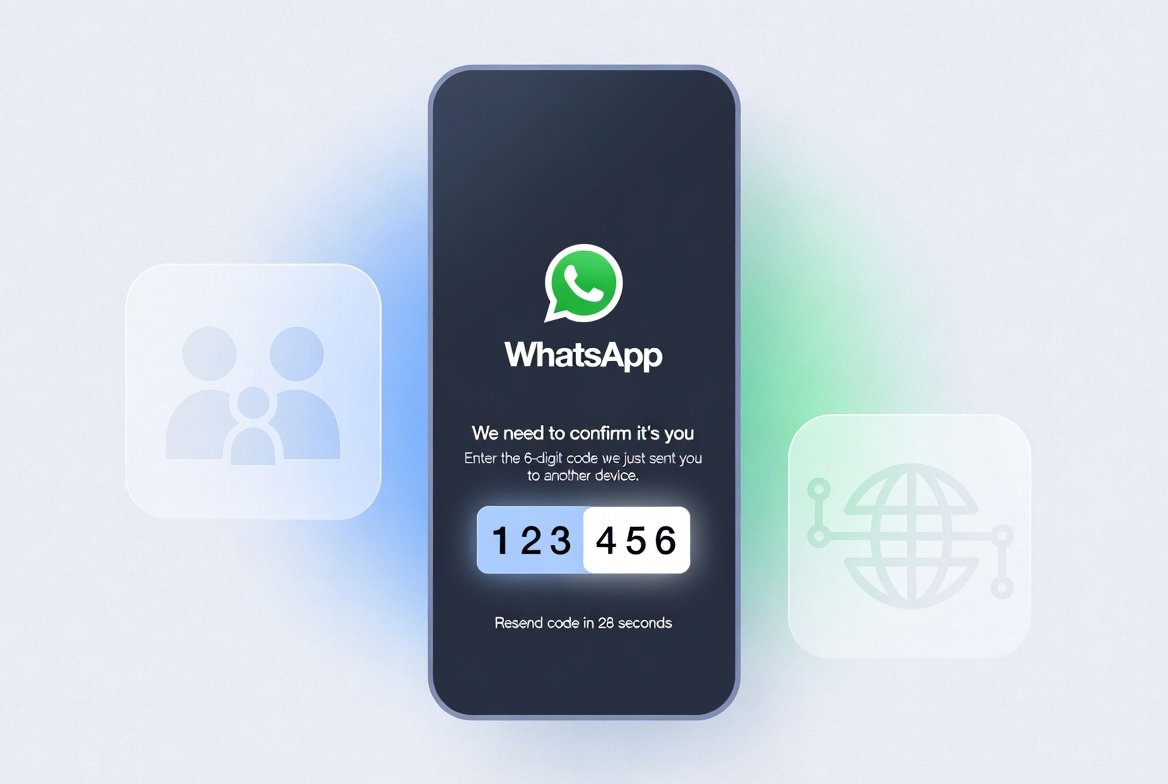
Encountering the frustrating situation where your WhatsApp verification code not received can feel like a sudden barrier when you just want to connect with loved ones or manage daily communications. This issue happens when you try to sign up for or verify your account on the popular messaging app, but the six-digit code sent via SMS or call fails to arrive on your phone. It often stems from network glitches, incorrect number formatting, app settings, or temporary server delays, preventing you from completing the simple registration process that links your phone number to your WhatsApp profile. Thankfully, with patience and the right steps, most users resolve it quickly and return to chatting, sharing moments, and building meaningful relationships in a secure, convenient way.
In today’s fast-paced world, staying connected matters deeply, especially for families keeping in touch across distances or friends coordinating gatherings. WhatsApp serves as a reliable bridge for these wholesome interactions, allowing voice notes, video calls, and group discussions that strengthen bonds without unnecessary costs. When verification hiccups arise, it’s usually not a major problem but a solvable puzzle. This guide walks you through understanding the causes and applying effective solutions, empowering you to overcome the obstacle with confidence.
Understanding Common Reasons Behind Verification Delays
Several everyday factors can interrupt the delivery of your verification code. Recognizing them helps you troubleshoot calmly rather than feeling stuck.
Network Connection and Signal Strength Issues
A weak mobile signal often blocks SMS delivery. Even with good Wi-Fi, the initial verification relies on cellular networks for the SMS or voice call. Areas with poor coverage, travel between locations, or high network congestion during peak hours commonly cause delays. Switching to airplane mode for a few seconds and back, or moving to an open area, frequently restores the flow.
Incorrect Phone Number Entry
Entering the number without the proper country code or with extra zeros leads to failed deliveries. For instance, a Pakistani number should start with +92 followed by the full digits. Double-checking this simple detail saves time and frustration.
App or Device-Related Glitches
Outdated WhatsApp versions, accumulated cache, or background restrictions on notifications and SMS permissions create barriers. On some devices, conflicting apps or recent updates interfere with message reception.
Carrier or Temporary Server Problems
Your mobile provider might experience brief outages, or WhatsApp’s verification system could face high demand. These are usually short-lived and resolve on their own.
By identifying the likely culprit early, you approach the fix with clarity and maintain a positive mindset.
Step-by-Step Solutions to Resolve WhatsApp Verification Code Not Received
Here’s a comprehensive, easy-to-follow process that works for most Android and iOS users. Proceed patiently, as rushing can trigger temporary locks.
1. Verify Your Phone Number Format and Wait Patiently
Start by confirming the full international format. Remove any leading zeros and include the country code. After requesting the code, wait the full countdown timer—often up to 10 minutes or longer initially. Repeated requests extend the wait time as a protective measure.
2. Switch Between SMS and Voice Call Options
If SMS fails, choose the “Call Me” option once the timer expires. An automated voice delivers the code, which you enter directly. This bypasses many SMS-specific issues and proves especially helpful during network fluctuations.
3. Restart Your Device and Toggle Airplane Mode
A simple reboot clears temporary glitches. Enable airplane mode for 30 seconds, disable it, and check for signal. This refreshes your connection and often prompts the pending message to arrive.
4. Check Permissions and Clear Cache
On Android, go to Settings > Apps > WhatsApp > Permissions and ensure SMS and Phone access are granted. Clear the app cache (not data, to preserve chats if backed up). For iOS, verify notification settings and restart the app.
5. Update WhatsApp and Your Phone’s OS
Outdated software causes compatibility problems. Visit your app store to install the latest version. System updates often include improvements for messaging services.
Pro Tip: For more general tech advice and daily life solutions, explore insightful resources on Business to Mark. Their practical guides help users navigate modern tools effectively.
Advanced Troubleshooting for Persistent Issues
When basic steps don’t suffice, these additional measures usually bring success.
Reinstall WhatsApp After Backing Up Chats
Back up your chats to Google Drive (Android) or iCloud (iOS), then uninstall and reinstall the app. This clears corrupted files while preserving your conversations. Upon reinstall, enter your number again and request a fresh code.
Test with Different Networks or SIM Cards
Switch to mobile data if on Wi-Fi, or vice versa. If possible, test with another SIM to rule out carrier-specific blocks. Some users find success by removing and reinserting the SIM card.
Disable VPN, Proxy, or Battery-Saving Modes
These tools sometimes interfere with SMS routing. Temporarily disable them during verification.
Contact Your Mobile Carrier
If codes never arrive despite strong signal, your provider might have restrictions. A quick call to customer support clarifies any account or service issues.
For users interested in related social media challenges, such as resolving login hurdles on other platforms, Instagram Login Error Today offers complementary troubleshooting ideas that align with smooth digital experiences.
The Importance of Secure and Positive Communication
WhatsApp’s verification process protects your account and ensures only you access your personal space for sharing joyful moments, family updates, and community support. In line with values that encourage beneficial interactions, using such tools responsibly fosters stronger relationships and knowledge sharing. Whether coordinating iftar timings during Ramadan, checking on elderly relatives, or discussing educational topics, reliable verification keeps these connections alive.
According to Wikipedia, WhatsApp is a widely used messaging service that relies on phone number registration for security and accessibility, serving billions in everyday communication.
Maintaining updated apps and good digital habits reflects care for both your privacy and the well-being of those you connect with. This aligns beautifully with living a balanced life enriched by technology used for good.
Preventive Measures to Avoid Future Verification Problems
Prevention is easier than cure. Adopt these habits for smoother experiences ahead.
- Always keep WhatsApp updated.
- Maintain sufficient storage and regular device restarts.
- Use official app stores only.
- Back up chats frequently.
- Monitor network quality in your area.
For broader lifestyle and tech insights, visit the General Category on Business to Mark, which features helpful articles on various topics.
Exploring WhatsApp Features After Successful Verification
Once verified, unlock the app’s full potential. Create family groups for sharing recipes, Islamic reminders, or motivational stories. Use voice messages for heartfelt notes when typing feels lengthy. Video calls bring distant loved ones closer, making special occasions feel shared.
End-to-end encryption ensures your private conversations remain secure, giving peace of mind. Features like disappearing messages or communities help manage information thoughtfully.
Around the middle of the article (focus keyword usage): Many people searching for solutions to WhatsApp verification code not received discover that a combination of network tweaks and app permissions resolves the majority of cases quickly.
Frequently Asked Questions
How long should I wait for the code?
Usually a few minutes, but up to 24 hours in rare cases. Avoid spamming requests.
Can I use WhatsApp without a SIM after verification?
Yes, once set up, you can use it over Wi-Fi, though the number stays linked.
What if I changed my number?
You’ll need to verify the new number, and WhatsApp offers options to migrate chats.
Does this issue affect WhatsApp Business accounts too?
Similar troubleshooting applies, with extra attention to business verification needs.
Embracing Technology with Patience and Gratitude
Overcoming a WhatsApp verification code not received moment teaches patience—an admirable quality. Each successful login reminds us of the blessings of connection in our lives. Use the platform to spread positivity, share beneficial knowledge, and nurture relationships that matter.
Stay consistent with good practices, and these minor hurdles will become rare. Your digital world will support a fulfilling, connected life filled with warmth and purpose.
By following these steps, most users regain access swiftly and continue enjoying seamless messaging. Remember, technology serves us best when used mindfully for connection, learning, and community building.
Related posts:
![Pakistan-administered Kashmir]()
Pakistan-Administered Kashmir’s Polls: Can Elections Succeed After a Turbulent Summer of Protests?
General![Instagram login error today]()
Instagram Login Error Today: Is Instagram Down or Just a Temporary Glitch?
General![How a Margaret River Wine Estate Built a Brand Around Conservation]()
How a Margaret River Wine Estate Built a Brand Around Conservation
General![pit viper sunglasses worn by tyler robinson killer]()
Ultimate Guide to Pit Viper Sunglasses Worn by Tyler Robinson Killer
General
The Complete Guide to Understanding mannacote? Benefits and Uses
General![Poppers Aromas: 7 Powerful Reasons This EU Store Stands Out]()
Poppers Aromas: 7 Powerful Reasons This EU Store Stands Out
General