
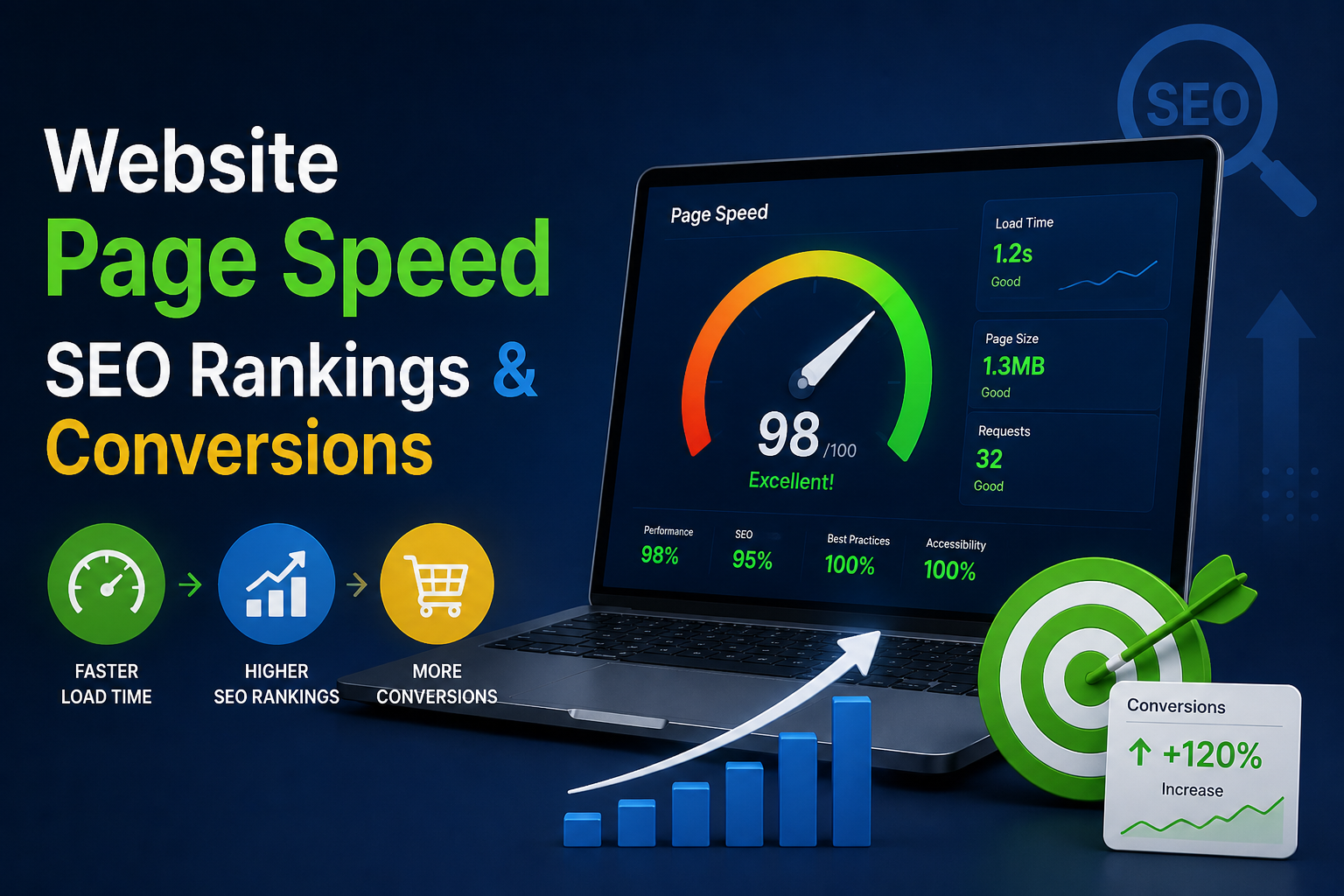
Page speed is a confirmed Google ranking factor through Core Web Vitals, and it directly affects conversions because every additional second of load time measurably increases bounce rate and decreases the likelihood of a completed purchase or form submission. Fixing page speed isn’t a “nice to have” technical task — it’s simultaneously an SEO lever and a revenue lever.
Google made page experience, including loading performance, an official ranking signal specifically because slow sites correlate with poor user satisfaction. But the SEO impact is only half the story — the conversion impact is often larger and more immediate.
In this article
- The Three Core Web Vitals That Matter Most
- How Page Speed Affects SEO Specifically
- How Page Speed Affects Conversions Specifically
- Step-by-Step: Diagnosing Your Page Speed Issues
- Step-by-Step: Fixing Common Page Speed Problems
- Prioritizing Fixes by Impact
- Measuring the Business Impact After Optimization
- Final Takeaway
The Three Core Web Vitals That Matter Most
| Metric | What It Measures | Good Threshold |
|---|---|---|
| LCP (Largest Contentful Paint) | Time until the main content loads | Under 2.5 seconds |
| INP (Interaction to Next Paint) | Responsiveness to user interaction | Under 200 milliseconds |
| CLS (Cumulative Layout Shift) | Visual stability while loading | Under 0.1 |
How Page Speed Affects SEO Specifically
- Direct ranking signal — Google’s Page Experience update explicitly factors Core Web Vitals into ranking, especially for competitive queries where content quality is similar.
- Crawl budget efficiency — faster sites allow search engine crawlers to index more pages in the same amount of time, particularly important for large e-commerce sites.
- Mobile-first indexing impact — since Google primarily indexes the mobile version of your site, mobile page speed carries outsized SEO weight.
- Reduced bounce rate signals to search engines that users find your page satisfying, indirectly supporting rankings over time.
How Page Speed Affects Conversions Specifically
- Research from Google and multiple independent studies has consistently found that conversion rates drop sharply as load time increases beyond 2-3 seconds.
- Mobile users are especially sensitive to slow load times, often abandoning a page entirely rather than waiting.
- Checkout and form pages are the most conversion-critical pages to optimize, since friction here directly blocks revenue.
- Perceived performance matters as much as actual speed — a page that shows visual progress (skeleton screens, progressive loading) feels faster even at similar load times.
Step-by-Step: Diagnosing Your Page Speed Issues
- Run your site through Google PageSpeed Insights to get both lab data (simulated) and field data (real user metrics) for mobile and desktop.
- Identify your worst-performing pages — usually your homepage, product pages, or any page with heavy images or embedded video.
- Check your Largest Contentful Paint element — it’s usually a hero image or heading; optimizing this single element often produces the biggest score improvement.
- Review third-party scripts (chat widgets, analytics, ad pixels) — these are a common, overlooked cause of slow load times.
- Test on real mobile devices on a throttled connection, not just desktop Wi-Fi, since Google evaluates mobile performance primarily.
Step-by-Step: Fixing Common Page Speed Problems
- Compress and resize images before uploading — use modern formats like WebP or AVIF instead of large PNG/JPEG files.
- Enable lazy loading for images and videos below the fold so they don’t block initial page render.
- Minify CSS, JavaScript, and HTML to reduce file sizes sent to the browser.
- Use a Content Delivery Network (CDN) to serve assets from servers geographically closer to your visitors.
- Reduce third-party script bloat — audit every tracking pixel and widget, removing anything not delivering clear value.
- Implement browser caching so returning visitors don’t re-download unchanged assets.
- Upgrade your hosting if you’re on shared hosting and consistently hitting server response time bottlenecks.
- Preload critical resources (fonts, hero images) so the browser prioritizes them immediately.
- Avoid layout shifts by reserving space for images and ads before they load, directly improving your CLS score.
Prioritizing Fixes by Impact
| Priority | Fix | Typical Effort |
|---|---|---|
| High | Image compression and lazy loading | Low effort, high impact |
| High | Removing unnecessary third-party scripts | Low effort, high impact |
| Medium | CDN implementation | Medium effort, high impact |
| Medium | Minifying CSS/JS | Low effort, medium impact |
| Lower | Server/hosting upgrade | Higher effort, high impact for large sites |
Measuring the Business Impact After Optimization
- Track bounce rate and average session duration before and after changes in your analytics platform.
- Monitor conversion rate on key pages (checkout, lead forms) specifically, not just site-wide averages.
- Watch Core Web Vitals reports in Google Search Console over a 28-day rolling window, since Google’s field data takes time to update.
- Compare organic ranking positions for target keywords 4–8 weeks after significant speed improvements.
Final Takeaway
Page speed sits at the rare intersection of SEO and revenue — improving it helps you rank better and convert more of the traffic you already have, without needing a single new visitor. Start with the highest-impact, lowest-effort fixes (image optimization, script audits) and work toward infrastructure-level improvements as your site scales.
