Credit Card Apply App Safety: How to Protect Your Personal Details During Sign-Up
How to check the developer, limit app permissions and protect your PAN, OTP and documents when you apply for a credit card through an app.

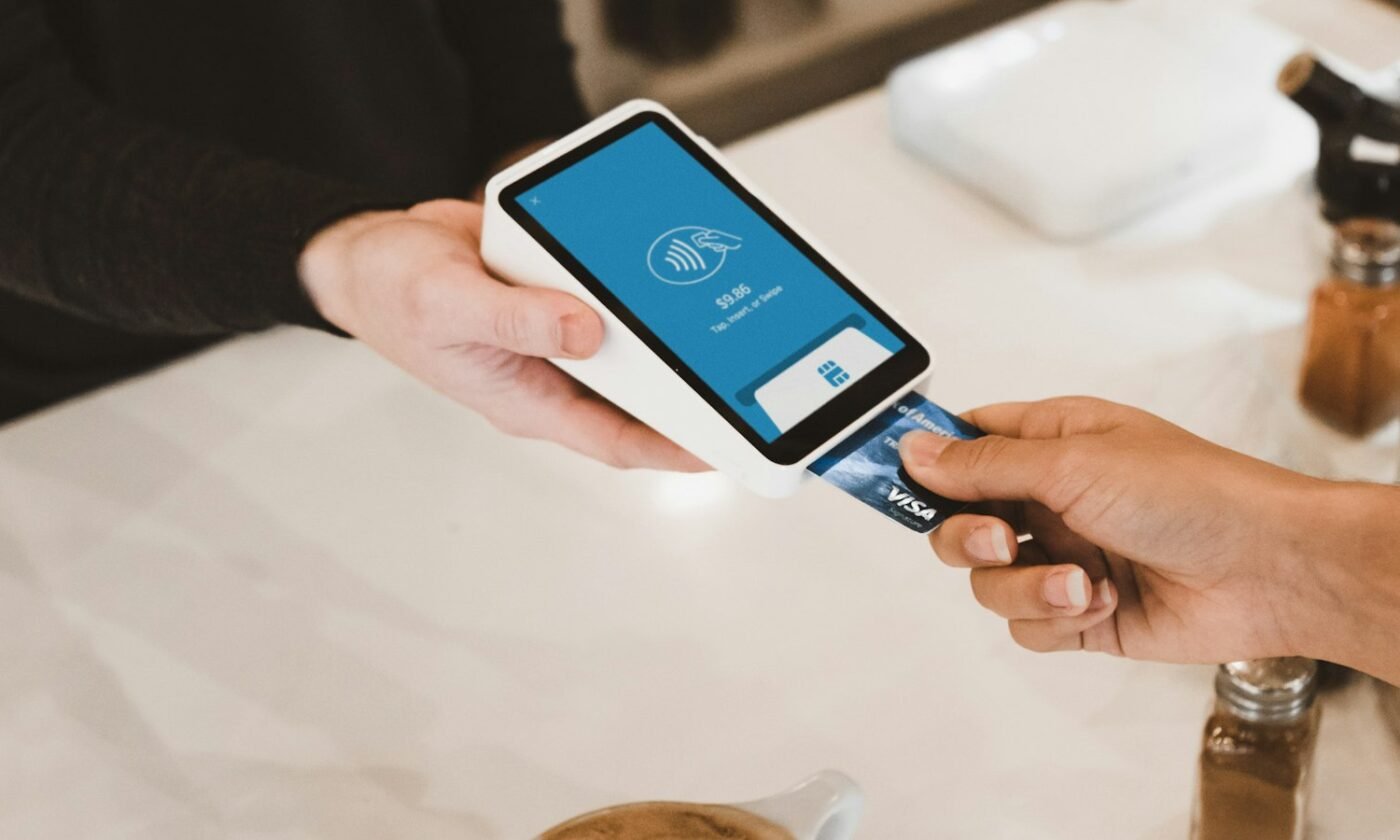
Applying online for a credit card will save you time, but you will have to provide some personal information. When applying, you may be asked to provide information such as your PAN, address, income, and identity documents. This information can be misused if it falls into the wrong hands. It is important to choose a real credit card app. Be sure to know who is providing the application, why they are asking for this information and take your time when applying.
Download the App from an Official Source
A quick search can bring up several applications with similar names and logos. Not all of them belong to genuine banks or financial service providers. Some are created to collect personal details from unsuspecting applicants.
Before downloading a credit card apply app, visit the official page of the issuing company and click the link there. The developer’s name should match that of the official page. This can also help you see if there are any complaints about suspicious activity, although high ratings do not guarantee that it is a genuine application.
Check What the App Can Access
When installing or registering a new application, you may be prompted to allow access to certain features of your phone such as the camera, location or contacts. Some permissions will be needed to confirm your identity, such as a photo of your ID.
However, it is always best to check. If they ask to access your contacts or messages and there is no reason stated, then contact the provider for clarification. Don’t allow unnecessary permissions.
Your phone settings will usually allow you to view and edit what permissions have been given. You should only give the minimum number of permissions you need to reduce the risk of giving away personal information.
Avoid Applying Over Public Wi-Fi
Don’t enter any sensitive financial information while on an untrusted network. It is best to use either a mobile or secure home network to fill out this form. If you are taken to a website, ensure you check the URL. Ensure the domain name matches that of the official website from the issuer.
Having an HTTPS address will mean that your information is more secure while being transferred from your browser to the website; however, it doesn’t necessarily mean that the website is legitimate. Check the full web address. If you often apply or bank on the go, our guide to the best VPNs for business explains how to protect your connection.
Provide Only the Necessary Details
Credit card providers may ask you to provide PAN, address proof, employment proof, income proof, etc. to verify your identity and determine if you are eligible. However, ensure that you know what you are providing.
Any legitimate credit card app should have a link to their privacy policy to show you how your personal data will be used. If something seems odd, then contact the credit card provider via their official customer service to confirm why they need this.
Never provide your bank password, card PIN, or UPI PIN to a bank official to process your application. You should never provide this information. Also don’t provide any ID documents to unknown individuals via messengers.
Keep Passwords and OTPs Private
Having a weak password (such as birthdays, names, or mobile numbers) will be easier to guess. Having one unique password for your financial application will help reduce the risk of the same login being used. If possible, use biometrics and multi-factor authentication.
Never share your OTP with anyone, and only use it if you initiated the action yourself. Don’t give it to anyone who promises a quick turnaround or says they are from customer support.
Read the Privacy Policy Before Signing Up
The privacy policy should be considered as part of your application. It will tell you what information the provider will collect, how they will use it and if they share any of your information with another organization. You should also consider how long your information will be stored.
Check the marketing permissions page to make sure there are no unnecessary requirements to process your application. If you are unsure of the privacy policy, you can contact the provider via their official website.
Quick Safety Checklist Before You Submit
- The app was downloaded through a link on the issuer’s official website.
- The developer name matches the bank or financial company.
- Only the permissions needed for identity checks are turned on.
- You are on mobile data or a secure home network, not public Wi-Fi.
- You have read the privacy policy and know how your documents will be stored.
- No one has asked you for your PIN, password or OTP.
If you are building credit from scratch, see our breakdown of secured credit card rewards before you choose a card.
Conclusion
When entering personal information into a financial application, it is important to be cautious. Being cautious of the developer, permissions and keeping your passwords safe will prevent you from making the most common mistakes when registering. When investigating options with Jio Finance, be sure to research the platform and terms and conditions before submitting your documents. This will ensure that you avoid problems further down the line if your identity is stolen.
Disclaimer: This article is for general information only and is not financial advice. Always check the terms, fees and eligibility rules directly with the card issuer before you apply.

Daniel Reyes
Daniel Reyes leads the Businesstomark editorial desk, covering business news, company strategy and the tech products that shape how people work. He focuses on clear, practical explainers that help readers make smarter decisions, from choosing tools to understanding market moves.