
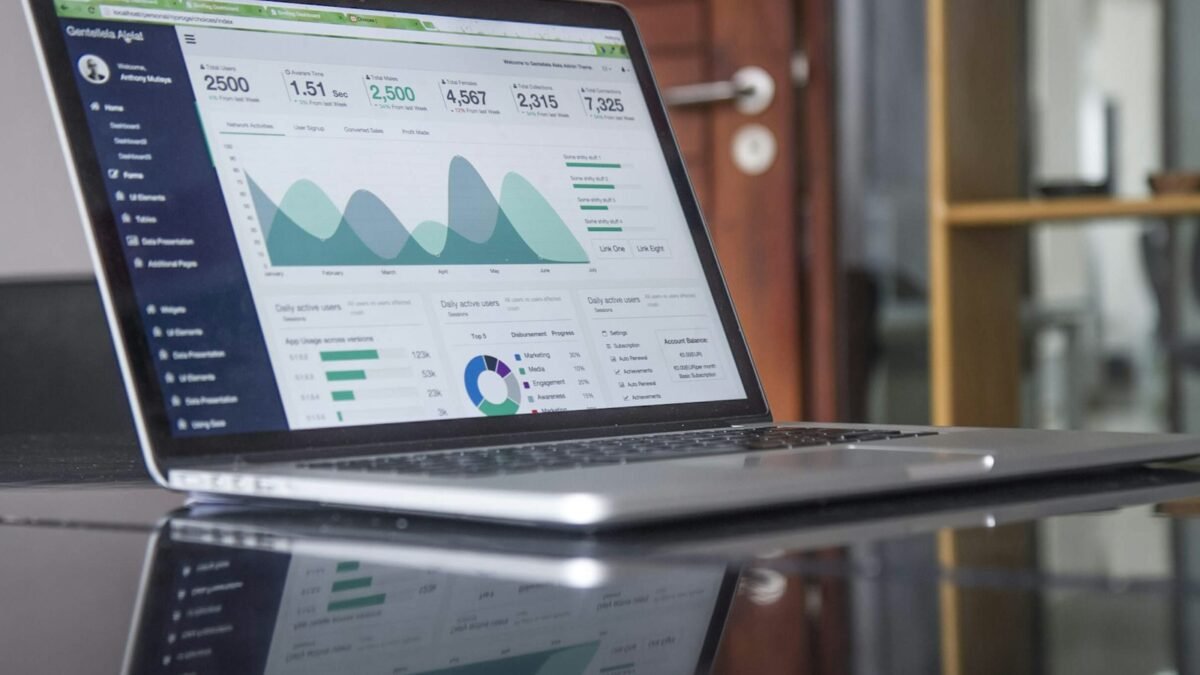
Most small business owners start keeping books in a spreadsheet and a folder of receipts. It works for the first few months. Then the invoices pile up, a tax deadline appears, and suddenly nobody can say with confidence how much money the business actually made last quarter. That is usually the moment people start searching for the best bookkeeping software for small business.
The trouble is that almost every product in this category promises the same things: automatic bank feeds, invoices, reports and easy tax time. The real differences are smaller and more practical. They sit in how many invoices you send, whether you carry stock, whether you pay staff, and how much help your accountant wants from the tool. This guide shows you how to decide based on your own situation instead of a ranking list written for clicks.
In this article
What bookkeeping software actually does
Bookkeeping software records every movement of money in your business and sorts it into categories. When a customer pays an invoice, the payment is matched to the sale. When you buy supplies, the expense lands in the right account. At the end of the month the software turns that history into three reports you will hear about constantly: the profit and loss statement, the balance sheet and the cash flow report.
 Also readProject Management Best Practices for Small Teams: A Simple Weekly Checklist
It is not the same as tax software, and it is not the same as hiring an accountant. Think of it as the tidy, always-updated record that makes both of those jobs cheaper and faster. The United States tax agency explains why keeping clear records matters in its small business recordkeeping guidance, and the same principle applies in most countries.
The five features that matter for a small business
Feature lists on pricing pages are long, but only five things decide whether the software will fit a business with one to twenty people.
- Bank connection and reconciliation. The software should pull in transactions from your business account and suggest matches, so you confirm instead of typing.
- Invoicing and payment reminders. Look for recurring invoices, online payment links and automatic reminders for late payers.
- Expense capture. A phone app that photographs a receipt and reads the amount saves hours every month.
- Reports your accountant accepts. Ask whether your accountant can be invited as a user and export the data in the format they like.
- Sales tax or VAT support. If you charge tax, the software must handle the rates and filing periods for your country.
Which type of business needs which setup
The right choice changes with the shape of the business. Use this table as a starting point, then confirm details on each vendor’s own website because plans and prices change often.
| Business type | Priority features | What to avoid paying for |
|---|---|---|
| Freelancer or solo service | Invoicing, receipt capture, simple reports | Inventory and payroll modules |
| Small shop or online store | Inventory tracking, sales channel sync, sales tax | Advanced project tracking |
| Agency or consultancy | Time tracking, recurring invoices, multi-currency | Stock management |
| Business with employees | Payroll integration, expense approvals, accountant access | Features for large enterprises |
Try the fit checker
The tool below turns your answers into a short list of must-have features. It runs entirely in your browser and nothing you enter is saved or sent anywhere.
- Choose the answer that matches your business today, not where you hope to be.
- Press the button to see your feature list.
- Use that list when you compare vendor pricing pages.
How to compare vendors without getting lost
Pick three products at most. More than that and the comparison becomes a hobby instead of a decision. For each one, start the free trial with real data rather than the demo company. Connect your actual bank feed, send one real invoice to yourself and enter five recent receipts. If those three tasks feel smooth within an hour, the software is a candidate.
Then check three costs that pricing pages tend to hide: the price after the introductory discount ends, the cost of extra users, and the fee for payment processing when customers pay online. A cheap monthly plan can become expensive once you add the things you need every week.
Also ask how support works. When a bank feed breaks the night before a filing deadline, a slow help desk is more costly than a slightly higher monthly price. Read recent reviews that mention customer service, and test the live chat or email during your trial to see how fast and how clearly they answer. A vendor that responds well during a trial usually keeps that standard once you are a paying customer.
Common mistakes to avoid
- Choosing software because a competitor uses it, without checking whether your accountant can work with it.
- Skipping the data export test. You should always be able to get your records out in a standard format if you leave.
- Turning on every automation on day one. Start with bank matching and invoicing, then add rules once you trust the categories.
- Mixing personal and business spending in the same bank account, which makes every report less reliable.
- Ignoring backups and access control. Use a strong unique password and two-step sign-in, and review who has access every quarter.
A simple first-month routine
Once you have picked a tool, spend the first week connecting accounts and importing the last three months of transactions. In week two, set up your chart of accounts with your accountant’s help. In week three, send all new invoices from the software. In week four, reconcile the month and review the profit and loss report. After that, ten minutes a week is usually enough to keep everything current.
Good books also make other business decisions easier. When you know your real monthly costs, you can use our break-even point calculator to see how many sales you need, or plan new tools with the small business AI tools budget calculator.
Frequently asked questions
Do I need bookkeeping software if I already have an accountant?
Usually yes. Your accountant works faster and charges less when your records are already organised. Many accountants will tell you which tools they prefer, so ask before you buy.
Is free bookkeeping software good enough?
Free plans can work for a freelancer with a few invoices a month. Check the limits on invoices, users and bank connections, and make sure you can export your data before you commit.
How long does it take to switch from a spreadsheet?
Most small businesses finish setup in a weekend, then take one month to feel comfortable. Import only the recent months you need rather than years of history.
Can the software handle sales tax or VAT?
Most mainstream products support the major tax systems, but rates, filing rules and supported countries differ. Confirm support for your country on the vendor website.
Explore more
- 100% free
- Call direct
- Voice search
- Urdu & English