WordPress Plugins: Applications or Software

 Digital Marketing
 WordPress Plugins: Applications or Software
WordPress is one of the most popular content management systems (CMS) in the world, powering over 40% of all websites on the internet. A key factor behind its widespread adoption is its flexibility and extensibility, which are largely driven by plugins. WordPress plugins are essentially applications or pieces of software that can be added to a WordPress site to enhance its functionality. From managing SEO to creating e-commerce stores, plugins are indispensable tools for WordPress users. In this article, we’ll explore what WordPress plugins are, their types, and their numerous applications.
What Are WordPress Plugins?
At their core, WordPress plugins are packages of code that “plug into” your WordPress site to add new features or modify existing ones. Written in PHP and integrated seamlessly with WordPress’s architecture, plugins allow users to tailor their websites without having to write extensive custom code. They can be installed directly from the WordPress Plugin Directory or through third-party sources and marketplaces.
Types of WordPress Plugins
WordPress plugins are diverse, catering to different needs and industries. Some common categories include:
1. SEO Plugins
SEO plugins, like Yoast SEO and Rank Math, help improve your website’s visibility in search engines. These plugins provide features such as keyword optimization, meta tag management, XML sitemap generation, and readability analysis, empowering users to rank higher on search results.
2. E-commerce Plugins
E-commerce plugins, such as WooCommerce, transform WordPress websites into fully functional online stores. They provide tools for managing products, orders, payments, and shipping. Additional extensions can further enhance these capabilities.
3. Security Plugins
Security plugins, like Wordfence and Sucuri, protect websites from malware, unauthorized access, and other cyber threats. They offer features like firewalls, malware scanning, and login attempt monitoring.
4. Performance Optimization Plugins
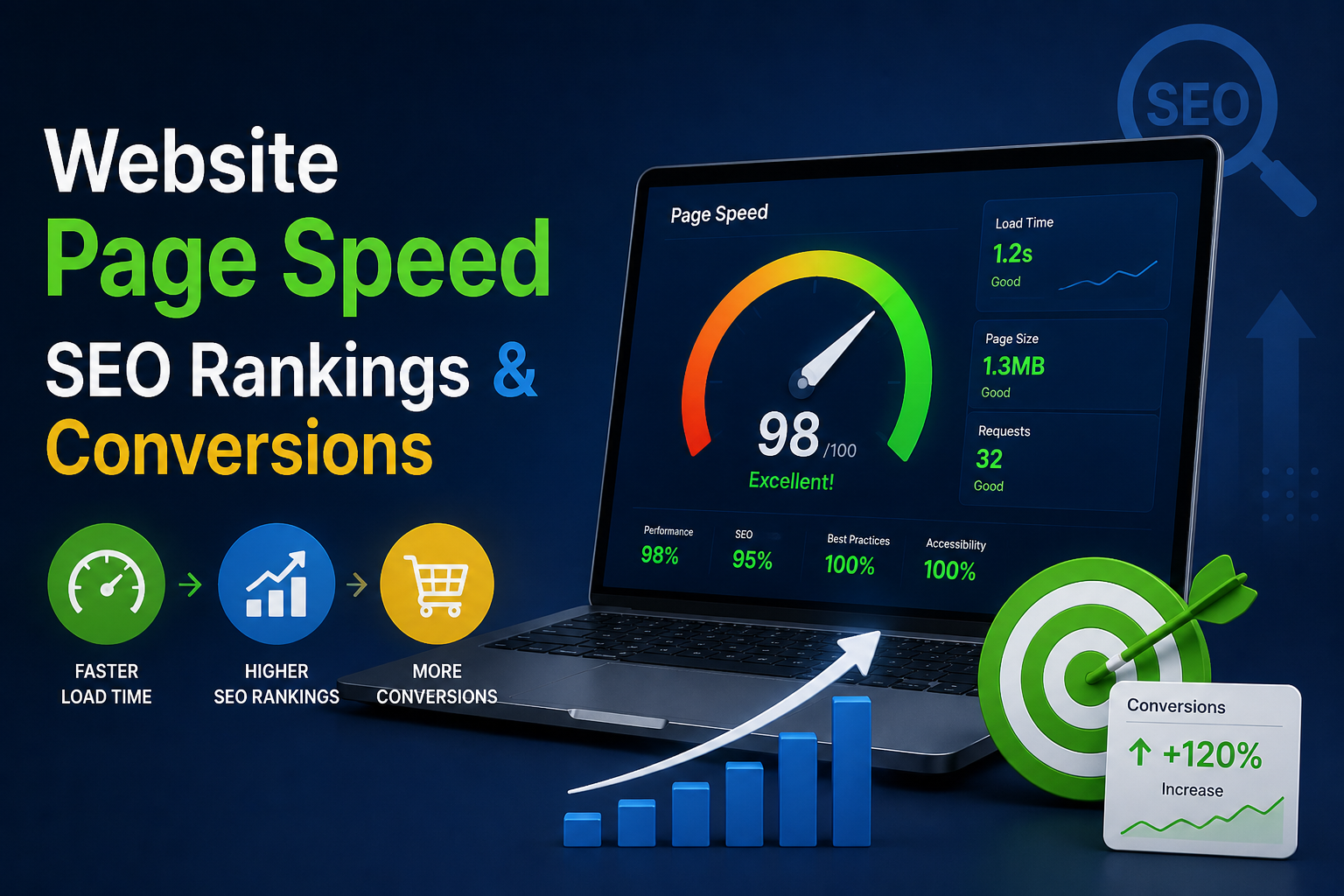
To ensure faster loading times and a better user experience, performance optimization plugins like WP Rocket and W3 Total Cache help optimize site speed. These plugins enable caching, image optimization, and database cleanup.
5. Page Builder Plugins
Page builder plugins, such as Elementor and Divi, allow users to create visually appealing websites without coding knowledge. They come with drag-and-drop interfaces and pre-designed templates.
6. Analytics Plugins
Analytics plugins, like MonsterInsights and ExactMetrics, integrate Google Analytics with WordPress, giving site owners actionable insights about their traffic and audience behavior.
7. Specialty Plugins
There are also plugins tailored for specific tasks, such as booking appointments, running memberships, creating forums, or managing learning platforms (e.g., LearnDash).
Applications of WordPress Plugins
1. Improving Website Functionality
Plugins add features to your website that may not be included in the core WordPress software. For instance, a basic WordPress site can be transformed into a robust e-commerce store, a portfolio gallery, or a membership platform with just the right plugins.
2. Customizing the User Experience
Plugins help customize how users interact with your website. For example, plugins like WPForms create user-friendly contact forms, while others like WP Accessibility ensure compliance with accessibility standards.
3. Enhancing Security
Website security is a top priority, especially with rising cyber threats. Plugins like iThemes Security and Wordfence provide comprehensive solutions to protect websites from vulnerabilities, ensuring data safety.
4. Boosting Performance
A slow website can deter users and impact search rankings. Performance plugins enable caching, minify CSS/JavaScript, and optimize images to improve site speed and ensure a seamless browsing experience.
5. Streamlining Content Management
Managing content on WordPress becomes more efficient with plugins. Editorial calendars, automated publishing tools, and media library enhancements simplify content creation and scheduling.
6. Driving Traffic and Engagement
SEO plugins, email marketing tools, and social sharing plugins work together to attract and retain visitors. Plugins like Mailchimp for WordPress enable seamless email list integration, while social sharing buttons encourage visitors to spread your content.
7. Facilitating Business Operations
For businesses, plugins play a crucial role in managing operations. CRM plugins, project management tools, and payment gateways integrated into WordPress make it easier to run day-to-day activities directly from the site.
Best Practices When Using Plugins
While plugins are incredibly useful, it’s important to manage them wisely to avoid issues like performance lags or security vulnerabilities. Here are some best practices:
- Choose Reliable Plugins: Only download plugins from reputable developers and trusted sources.
- Update Regularly: Keep your plugins up-to-date to benefit from the latest features and security patches.
- Limit the Number of Plugins: Installing too many plugins can slow down your site or cause conflicts. Use only what’s necessary.
- Test Compatibility: Ensure plugins are compatible with your WordPress version and other installed plugins.
- Back Up Your Site: Always back up your site before adding or updating plugins to safeguard against potential issues.
Conclusion
WordPress plugins are the backbone of website customization and functionality enhancement. Whether you’re building a blog, an online store, or a corporate site, plugins offer endless possibilities to tailor your website to your exact needs. By understanding their applications and following best practices, you can harness the full potential of WordPress plugins to create a dynamic, secure, and efficient online presence.